The Ultimate Guide to Building a Professional Artist Website

Everything you need to know to showcase your work and connect with the right audience online
In today’s art world, your website is more than a digital business card; it’s your open studio, your gallery, your archive, and your direct link to curators, collectors, and fans around the world. Whether you’re just getting started or looking to refresh an outdated site, this guide will walk you through everything you need to build (and maintain) a polished, professional artist website.
Why Every Artist Needs a Website
Having a dedicated online presence allows you to:
- Present your work professionally and on your terms
- Make your art accessible to global audiences 24/7
- Build credibility with collectors, curators, and galleries
- Drive sales and commissions
- Control your visual narrative
Social media is a great supplement, but it’s not a substitute. Your artist website is the only platform you own and fully control.
What Every Artist Website Should Include
These are the essential components of a solid, gallery-ready artist website:
1. Your Name (and a Clean Domain)
Your name is your brand. Ideally, your domain should reflect it (e.g., firstnamelastname.com). Avoid long or confusing URLs, and make sure your name/logo is always visible in the header of every page.
2. High-Quality Images of Your Art
Use clear, well-lit photos: no blurry snapshots, harsh flash, or busy backgrounds. Include multiple views, close-ups, and optionally in-situ mockups.
- Add the title, year, medium, dimensions, and whether the piece is available for purchase
- Optional: include short captions or statements for key pieces.
3. A Biography, Artist Statement, and CV
Let your audience connect with you.
- Bio = who you are
- Statement = why you create
- CV = where you’ve been
These should live in your “About” page and be accompanied by at least one headshot or studio photo.
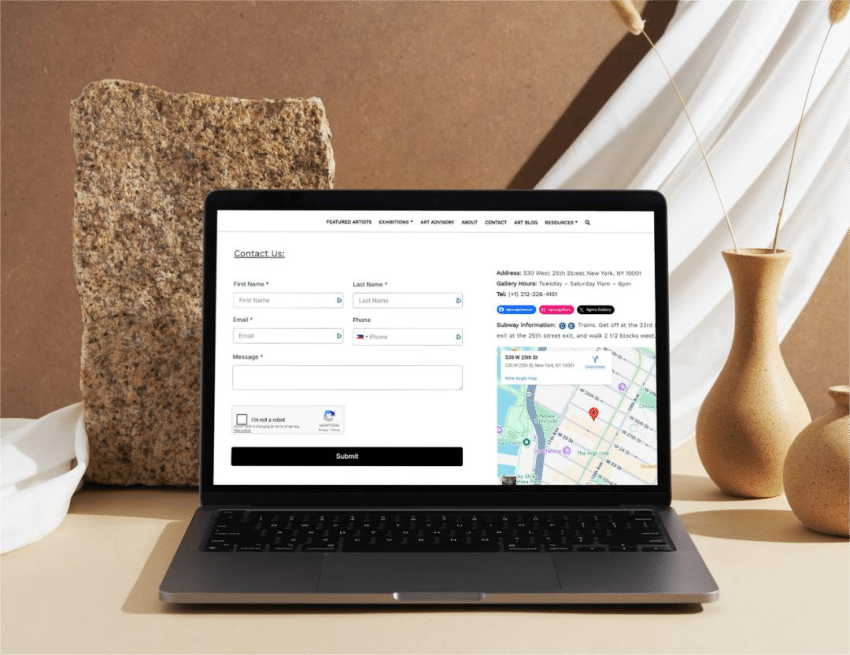
4. Clear Contact Info
Make it easy for people to reach you. A contact form, email address, and (if applicable) social media links should be visible and easy to find.
How to Organize Your Website Like a Gallery
Think of your site as a curated space, not a dumping ground for every file on your hard drive.
Recommended page structure:
- Home Page: One strong image, your name, and a short intro or tagline. Keep it clean.
- Artworks: Organize into albums by medium, series, year, or theme. Keep each page focused and avoid overcrowding.
- About: Bio, artist statement, CV, and images of you at work
- Contact: Form or email, and optional inquiry prompt (“Interested in a piece?”)
✨ Bonus: Consider adding a Shop or Press section once your career grows.
Design, Devices, and SEO: What Makes It Professional?
A site that works is a site that gets visited. Here’s what matters under the hood:
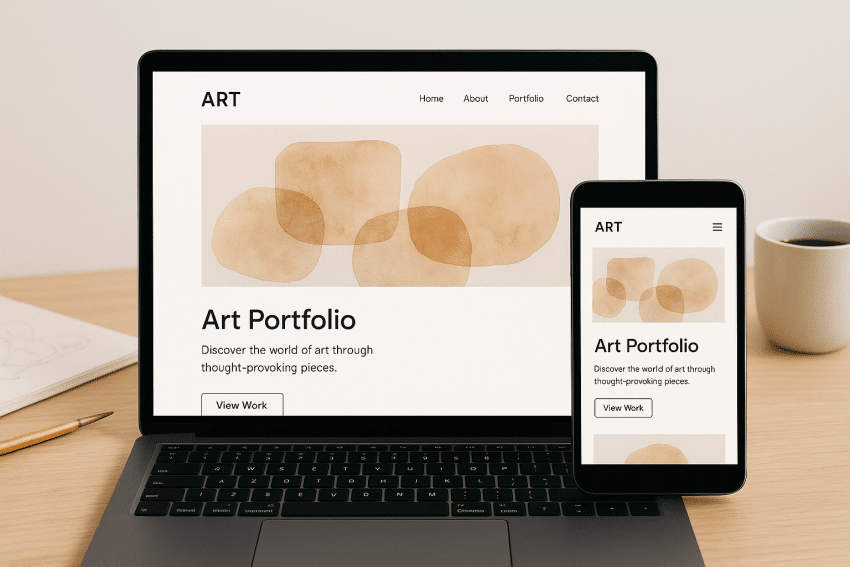
Choose a responsive, mobile-friendly template
Your site must look great on phones, tablets, and desktops alike. Test on multiple devices before publishing.
Use a clean, art-forward design
Let your work shine. Avoid flashy animations, music, or background noise. White space is your friend.
Add social media buttons, but keep control
Link out to your Instagram, YouTube, or newsletter, but keep the user anchored on your site.
Optimize for SEO
- Use clear page titles and image descriptions
- Include keywords like “abstract painting,” “NYC artist,” etc.
- Add alt-text for all images
- Use HTTPS encryption for privacy and trust
Bonus Tips from the Experts
Capture Emails
Start building your mailing list now. Include a newsletter sign-up form or pop-up and offer occasional updates or previews.
Track Your Traffic
Set up Google Analytics to understand who’s visiting your site, what they’re looking at, and how long they’re staying.
Watermark or compress images if needed
No method is 100% secure, but watermarks can discourage theft. You can also reduce resolution slightly for online viewing.
Avoid These Common Mistakes:
- Free hosting with ads
- Autoplay music
- Requiring log-ins to access artwork
- Featuring other artists’ work
- Letting your site go stale or outdated

Need Help Launching or Upgrading Your Artist Website?
A website doesn’t need to be complicated; it just needs to work for you.
If you’re looking to refine your online presence or don’t know where to start, AGI Fine Art offers consultations for artists looking to grow professionally and participate in major events and exhibitions.
Want your work to reach the right audience?
Get the next article and open calls
A few times a year. Unsubscribe anytime.
Questions? Feedback? Thoughts on this article, or a topic you’d like us to cover?