How To Create A Facebook Business Page for Your Art
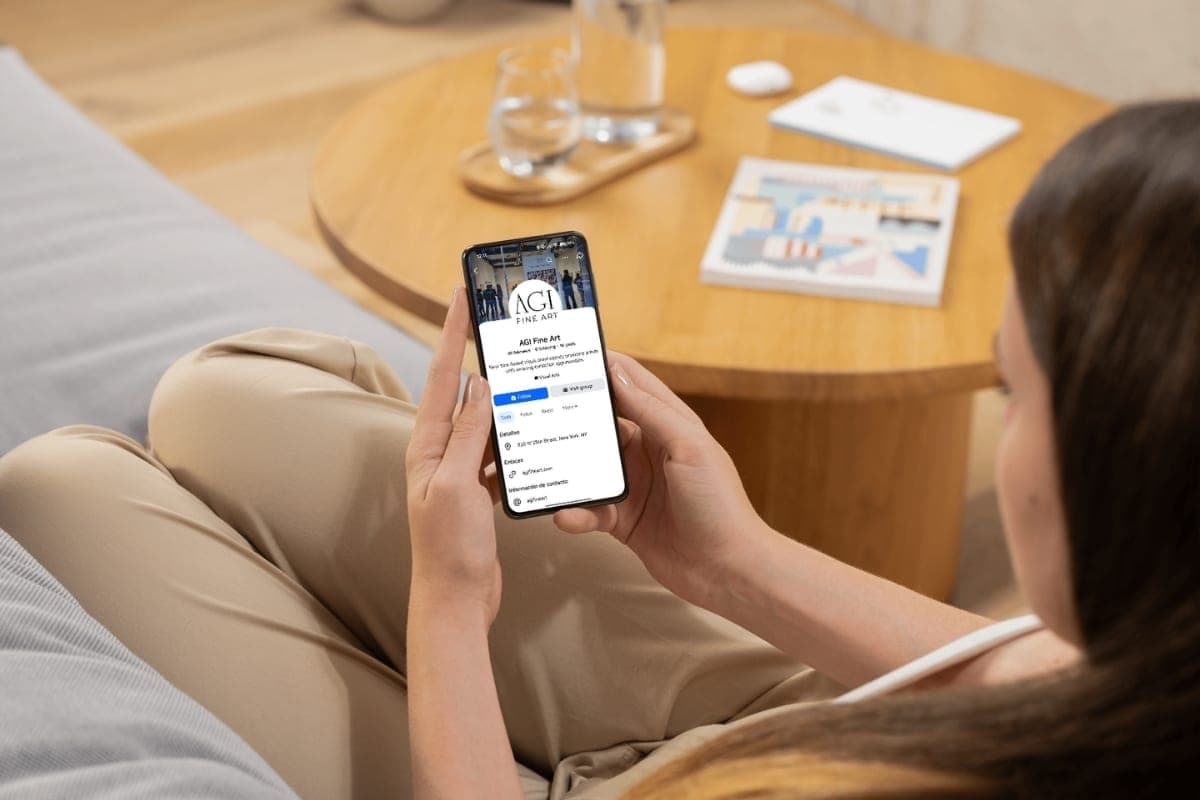
Social media has become an indispensable tool for artists seeking to showcase their work and connect with other members of the art community, from other artists and art enthusiasts to collectors, galleries, and institutions. Among the various platforms available, Facebook stands out as a powerful tool for promoting art due to its extensive reach and versatile features. It’s also a great and straightforward way to share images and updates about your career and art with users worldwide.
Personal Profile vs. Business Page: Understanding the Difference
There’s often a certain amount of confusion about the difference between a personal profile and a business page. Each serves distinct purposes and has unique features tailored to specific needs:
- Personal profile: Initially designed for social interactions with friends and family, a personal profile can technically be used for professional purposes. However, leveraging it primarily for commercial gain violates Facebook’s terms of service.
While this has room for argument, you probably don’t want to place yourself in a position where you’d have to defend the way you use your profile.
Facebook does have a professional mode feature that allows users to build a public presence as a creator while maintaining their experience with friends and family. It offers similar professional tools and, if eligible, monetization opportunities with business pages but doesn’t fully support management tools or integration with Meta Business Suite at this time.
- Business page: A dedicated platform for entities such as businesses, organizations, and artists, the Business Page (or Page, as Facebook now calls it) offers a comprehensive suite of tools and features, from insights into post performance to advertising capabilities, designed to enhance engagement and promotion.
Benefits of a Facebook Page for Artists

- Professionalism: A business page adds more credibility to your artistic brand and distinguishes your professional endeavors as an artist from personal interactions.
- Wider reach: With over 2.09 billion daily active users, Facebook provides a global audience for artists to showcase their work and attract potential buyers.
- Insights and analytics: Business pages come equipped with tools and features that provide valuable information about your audience demographics, post-performance, and engagement metrics, which allows you to refine your marketing strategy and tailor your content accordingly.
- Advertising opportunities: Facebook ads allow you to promote your art to specific target audiences based on multiple factors, such as location, interests, and demographics, helping you reach potential buyers more effectively.
- Networking and community building: A business page lets you connect with even more people: fellow artists, industry professionals, and art enthusiasts alike.
Creating a Facebook Business Page: Step-by-Step Guide
Now that we’ve established the difference between a personal profile and a business page and outlined the benefits of having a business page, let’s delve into making one tailored for artists. Here’s a guide to creating a business page on desktop:
Set-Up
- Navigate to pages: Access the Page Creation Tool from your Home page on the left, click on “Pages” (if you don’t see it, you may need to click “See more” and scroll downwards a bit), and click on “Create new page.”
- Enter your page details: Type in your page name, choose a category that best represents what you do as an artist, and write a brief bio for your page, providing key information about you and your art practice. While adding a bio is an optional step in this stage and can be added later on, a compelling one can help establish an immediate connection with your audience. You have 255 characters to work with, so you can use relevant information from your artist statement or write down the mediums you work with.
- Click “Create page.”
Customization

- Add profile and cover photos: Upload high-quality images that showcase your art and visually represent who you are as an artist. You can play around with these once the page is set up, and you can experiment with different images from time to time and change them to celebrate particular events or achievements.
- Complete your page information: Fill in other details from the About tab, just below your page’s profile photo. This includes your contact information, websites, social links, and other basic information. It’s up to you how much or how little you want to share.
- Set up an action button: Customize the action button on your page to encourage specific actions from visitors, such as booking an appointment, sending an email, or linking to a website, group, or app. You can do so by clicking the ellipses button on the right-hand side, clicking “Edit action” button,” then the “Change” button.”
- Edit settings and privacy: From your business page profile, go to Settings on the left-hand sidebar. Go through the tabs one by one to make sure you’re comfortable with the default settings.
Send Out Invites
- Invite contacts: Invite friends and contacts to like and follow your page, kickstarting its growth and visibility. You can also share your page on your profile and other social media platforms to attract more people.
Start Posting Content

- Share your artwork: Begin posting photos and videos of your artwork, along with engaging captions. Experiment with different types of content, such as short-form content like reels that show a time-lapse of your process or long-form content like reviews of art materials you’re currently using.
- Engage with your audience: Respond to comments, messages, and inquiries. Encourage discussions and feedback to create dialogue around your art.
Frequently Asked Questions
Won’t I get confused about whether I’m using my personal profile or my business page?
It’s very easy to distinguish between either: whichever one you’re using will be indicated by a profile photo in the upper-right corner of your desktop screen and on the bottom-right of your mobile.
You can just as easily switch back and forth between your personal profile and business page by clicking on the profile photo in the upper-right corner of your desktop screen or the bottom-right of your mobile and switching to the one you want to use from the drop-down menu.
Is it obvious that the business page belongs to me?
It can be as clear as you want it to be. You can manage your personal profile and assume a different persona for your business page, making the page solely about your art and your profile for interacting socially.
Additional Tips for Success
- Post consistently: Regularly share updates, milestones, images, and posts to keep your audience engaged.
- Monitor your page insights: Regularly review your page’s performance metrics to refine your content strategy: find out which posts click with your audience.
- Explore paid advertising: It’s no secret that the algorithm significantly benefits and highlights promoted material, so it may not be something you’d completely rule out. When you’ve done your research and feel ready, consider utilizing Facebook ads to reach a broader audience.

Now that you’ve got a Facebook business page for your art set up and ready to go, follow these tips to promote your page and get it noticed: your art deserves the spotlight!
Get the next article and open calls
A few times a year. Unsubscribe anytime.
Questions? Feedback? Thoughts on this article, or a topic you’d like us to cover?